





ESP32 board comes not only with Wi-Fi but also with classic Bluetooth and Bluetooth Low Energy (BLE). To interface the ESP32 development board with Arduino Uno, you can start with a simple application such as a temperature monitor using a 3-pin LM35 temperature sensor. The required software are Arduino IDE, Arduino code, and relevant libraries, including ‘OneWire’ for the temperature sensor and ‘Arduino-esp32-master’ for ESP32 board.
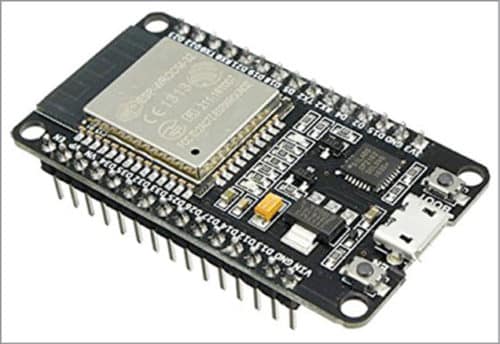
OneWire can be downloaded from Sketch/Include Library in Arduino IDE. Arduino-esp32-master can be downloaded from the link.
Unzip Arduino-esp32-master.zip folder, copy and then paste BluetoothSerial folder under Arduino/Examples on your system. Open SerialToSerialBT from Arduino IDE, as shown in Figure below. Upload it to ESP32 board. This code establishes Bluetooth communication between ESP32 and your mobile phone.

Now, install a Bluetooth application on your Android phone, such as Serial Bluetooth Terminal available on the Play Store. You can also write a simple Arduino code for data exchange with a temperature sensor.

