Deleted WhatsApp and WhatsApp Business conversations can affect personal records, customer communication, order history, payment screenshots, and internal approvals. Recovery is possible in some Android cases, but it depends on how the chat was deleted, whether a backup exists, whether the data has been overwritten, and how WhatsApp encryption is configured.
This guide explains how Android WhatsApp data is stored, what official restore options should be checked first, and when no-root recovery software may help. When official backups are unavailable or incomplete, tools such as Dr.Fone Android Recovery can be used to preview supported recoverable chats, media, Google Drive backup data, WhatsApp Business records, and View Once media before export.
Part 1. How WhatsApp Stores Chats and Media on Android
On Android, WhatsApp conversations are stored in app-managed databases, while photos, videos, documents, audio files, and voice notes may also appear in WhatsApp media folders. These files are protected by Android storage rules and WhatsApp encryption, so a deleted chat is not the same as a normal photo or document that can always be restored from a visible folder.
Modern WhatsApp also uses end-to-end encryption for messages, and encrypted backups can add another protection layer. For background on WhatsApp security and encryption history, see the WhatsApp overview on Wikipedia. The practical result is simple: recovery depends on whether a readable backup or recoverable data fragment still exists, not only on whether the chat disappeared from the app interface.
Part 2. Official Recovery Methods: Google Drive, Local Backups, and Encrypted Backups
Before trying third-party recovery, check official restore paths. They are safer, preserve the account context, and are more reliable when a recent backup exists.
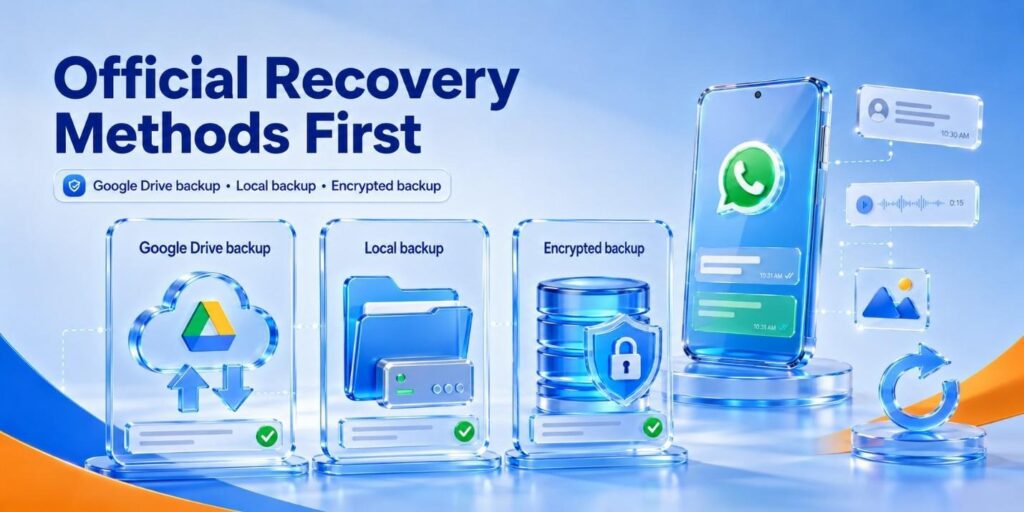
Google Drive backups: On Android, WhatsApp can restore chats during app setup if the same phone number and Google account are used. Always check the backup date and size before restoring because an old backup can replace newer conversations.
Local backups: WhatsApp may keep local backup files on the phone. These can help if the Google Drive backup is outdated, but the restore path still depends on file availability, app version, device access, and whether the backup file is intact.
End-to-end encrypted backups: If encrypted backup is enabled, the password or 64-digit encryption key is essential. Without it, the backup cannot be unlocked through normal recovery. WIRED has covered why encrypted backups matter for closing a major cloud-backup security gap: WhatsApp fixes its biggest encryption loophole.
Part 3. Why WhatsApp Data Loss on Android Is So Frustrating
Once the storage and backup paths are clear, it is easier to understand why deleted WhatsApp data feels harder to recover than ordinary Android files:
- Loss of Personal History: WhatsApp archives years of replaceable photos, videos, and daily life moments. Losing these chats without a backup means losing significant parts of one’s personal digital history.
- Disrupted Business Operations: Many companies store client orders, payment screenshots, and legal agreements within WhatsApp. Deleting this data can result in lost revenue, reduced customer trust, and missing evidence.
- Technical Recovery Challenges: Direct access to WhatsApp databases on modern Android devices is restricted by app sandboxing, encryption, and storage permissions. Root access can expose more file-system areas, but it is risky, may void warranties, and is not required for every supported recovery workflow.
- Unreliable Recovery Software: Some applications promise instant restoration without having actual database or backup access. In practice, users may recover only partial records, thumbnails, or cached media rather than the full original chat history.
- Backup System Limitations: Google Drive backups can be outdated, incomplete, linked to the wrong account, or protected by an encryption password the user no longer remembers. This can block a normal restore even when a backup technically exists.
Part 4. Can Deleted WhatsApp Chats Be Recovered Without Root?
Yes, in some cases deleted WhatsApp chats can be recovered on Android without root, but the result is not guaranteed. When a chat is deleted, some recoverable records may remain temporarily until the storage area is overwritten or until the app/database state changes. The less the phone is used after deletion, the better the chance that a scan or backup-based recovery can still find something useful.
A no-root tool should therefore be treated as a diagnostic recovery option, not as a magic restore button. Dr.Fone Android WhatsApp Recovery supports direct Android scans, Google Drive recovery, broken-phone recovery, WhatsApp Business recovery, and View Once media recovery for supported cases, with preview before recovery. If the data has already been overwritten or the encrypted backup key is unavailable, recovery may be partial or impossible.
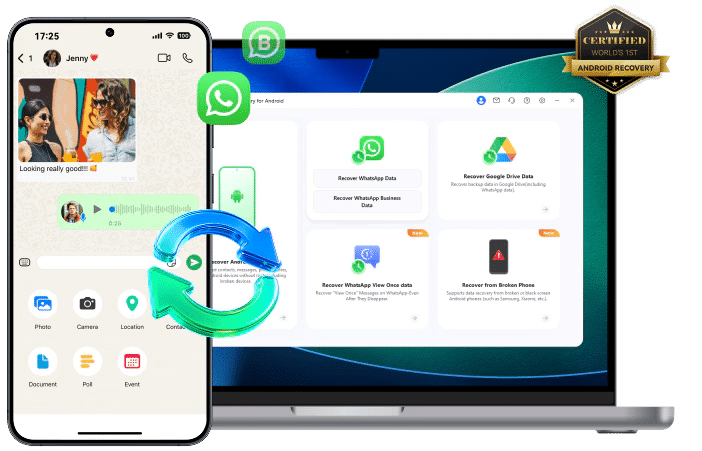
With the Quick and Deep scan option using read-only mode, the tool reconstructs the conversations before they are overwritten. With support for 14+ file types, they can recover WhatsApp & Business data and navigate Android’s security layers safely. Thus, users are advised to start the recovery immediately to ensure deleted fragments remain intact.
Part 5. What Can Realistically Be Recovered
The realistic scope is narrower than many recovery claims suggest. A recovery scan may find deleted chat records, contact references, voice messages, photos, videos, documents, links, stickers, call history, WhatsApp Business chats, and some supported View Once media. However, recoverability depends on Android version, device condition, app version, storage overwrite status, backup age, and encryption settings.
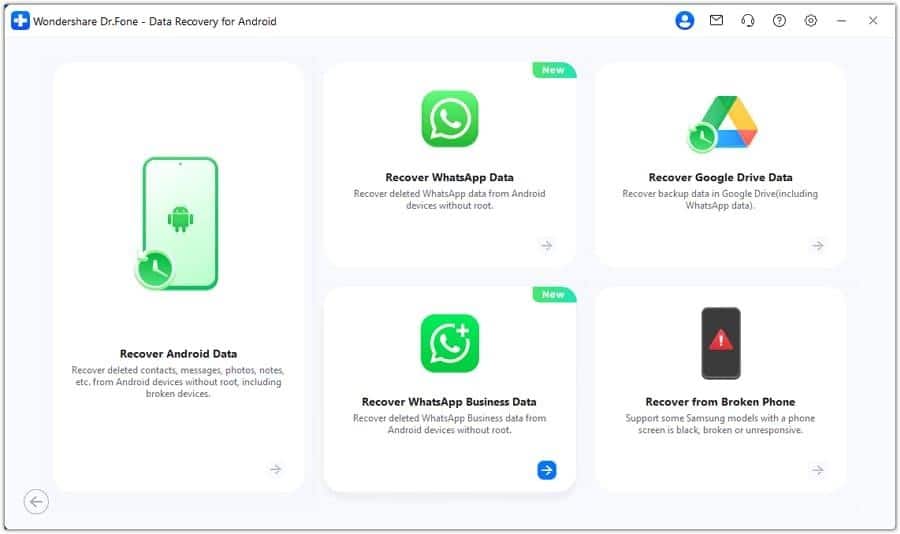
A useful recovery workflow should let users preview found items first, then selectively export only the conversations or media they need. This matters because restoring an old backup can overwrite newer messages, while selective recovery can preserve current data and reduce unnecessary exposure of unrelated chats.
Part 6. How Recovery Software Handles WhatsApp Chats and Attachments
Reliable Android recovery software should avoid overstating results. Instead, it should scan available sources, show what can actually be previewed, and let the user export selected WhatsApp or WhatsApp Business records. A typical workflow looks like this:
- Connect the Android device to a computer and select the specialized WhatsApp recovery module.
- Follow the on-screen connection instructions, such as enabling USB debugging when the selected recovery path requires it.
- Choose WhatsApp, WhatsApp Business, Google Drive backup recovery, broken-phone recovery, or another supported source according to the case.
- Allow the tool to scan the available device storage, backup source, or supported media records.
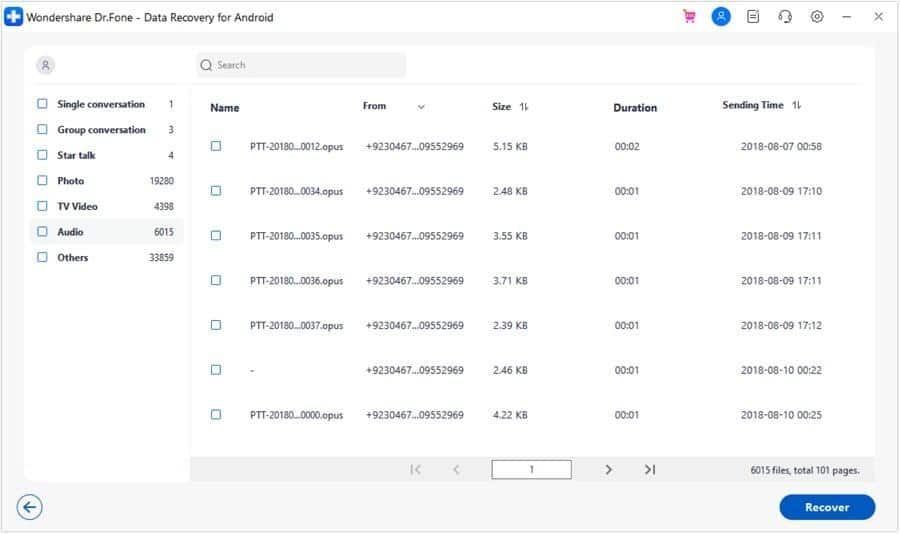
- Preview the found conversations and media files before recovery to confirm they are relevant and readable.
- Select only the needed chats or attachments and save them to the computer in a readable format.
This approach is useful when users want to avoid a full restore, reduce the risk of overwriting current chats, and verify recoverable content before exporting. It still cannot bypass every Android security or encryption limitation, so preview results should be treated as the most reliable indicator of what can be recovered.
Part 7. View Once Media: Privacy, Limitations, and Why Claims Need Caution
View Once media requires special caution because WhatsApp designed it to be temporary and privacy-sensitive. Dr.Fone Android WhatsApp Recovery lists supported View Once media recovery, but availability depends on whether the content can still be accessed through the recovery workflow, the WhatsApp build, the Android device state, and whether relevant data has been overwritten.
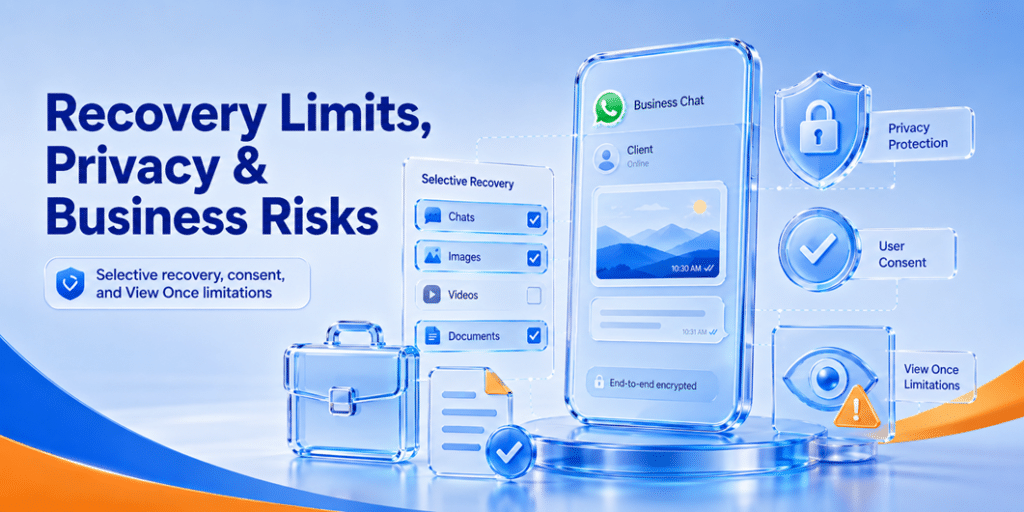
Avoid claims that imply every opened View Once photo, video, or voice message can always be restored. A safer way to explain this feature is: the tool can check for supported recoverable View Once media and allow preview/export when available. It should be used only for legitimate personal recovery or authorized business recordkeeping, not to bypass another person’s privacy expectations.
Part 8. WhatsApp Business Recovery: Use Cases and Risks
WhatsApp Business recovery is often more sensitive than personal chat recovery because the data may include customer names, addresses, order details, invoices, refunds, payment screenshots, contracts, and complaint history. These records may be valuable for continuity, but they can also contain personal or regulated information.
Common use cases: Recovering deleted customer conversations, restoring order or delivery details, checking media attachments, preserving proof of approval, or retrieving business chats after phone damage, app reinstall, or failed Google Drive restore.
Key risks: Recovered business data may fall under company retention rules, privacy laws, employee device policies, customer-consent requirements, or litigation-hold obligations. Export only what is needed, store it securely, and avoid mixing personal chats with business records.
Part 9. When to Use Recovery Software Instead of Waiting for a Backup Restore
Recovery software is most useful when an official restore is unavailable, too risky, or likely to overwrite newer data. Consider it in the following situations:
- Outdated Backup Files: If the backup is old, restoring it may remove recent conversations created after the backup date. A direct scan or selective recovery check can help look for missing chats without replacing everything.
- Avoiding Factory Resets: Standard restore paths may require reinstalling WhatsApp or setting up the account again. Recovery tools can be preferable when the user wants to inspect available data without wiping the current app state.
- Preserving Current Data: A backup restore is usually all-or-nothing. Selective preview and export can help recover specific items while keeping current conversations intact.
- Corrupted Backup Errors: Cloud backups may fail to download, skip media, or restore only part of the chat history. A recovery tool can help check whether supported data is still available from the phone or backup source.
- Selective Chat Recovery: When only one client thread, document, or media item is needed, preview-based recovery is often safer than restoring an entire old backup.
Privacy and Consent Warning
Data recovery can expose private messages, customer records, and media that senders may not expect to be preserved. Apply the following rules before scanning or exporting WhatsApp data:
- Device and account authorization: Use recovery tools only on devices and accounts you own or are legally authorised to access.
- View Once media consent: Do not attempt to recover another person’s View Once media without consent.
- Business compliance: Business recovery should follow company IT, legal, and data-retention policies.
Conclusion
Deleted WhatsApp and WhatsApp Business chats can sometimes be recovered on Android, but the safest answer is practical rather than absolute. Start with official restore options such as Google Drive, local backups, and encrypted backups. If they are unavailable, outdated, or incomplete, a no-root recovery tool like Dr.Fone can help check supported recoverable chats, media, business records, and View Once items before export. The best results come from acting quickly, avoiding unnecessary phone use after deletion, previewing recoverable items first, and respecting privacy, consent, and business compliance rules.